 Quiz
QuizPractice that kids enjoy. Progress parents can see.
QuizStride turns what your kids learn at school into short, friendly quizzes, with the why behind every answer.
Free during the beta. No ads. Kids never need an email.
How it works
- 1
Sign up as a parent
Create a free account in a minute. Only grown-ups have accounts.
- 2
Add your kids
Just a nickname for each child. Add quizzes yourself or join a teacher's class.
- 3
Kids play, you see progress
Kids take short quizzes on your device. You see scores, weak spots and streaks.
What's inside
Quizzes made for kids
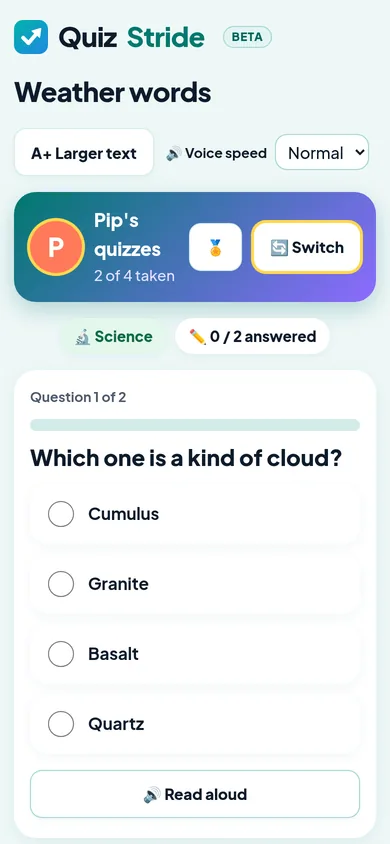
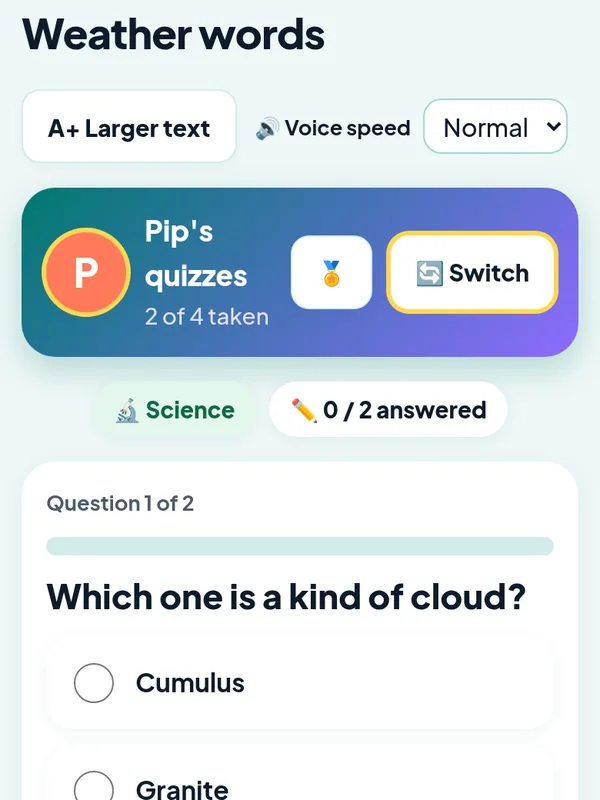
Big buttons, one question at a time, and a Read aloud button for younger readers.
Every answer has a why
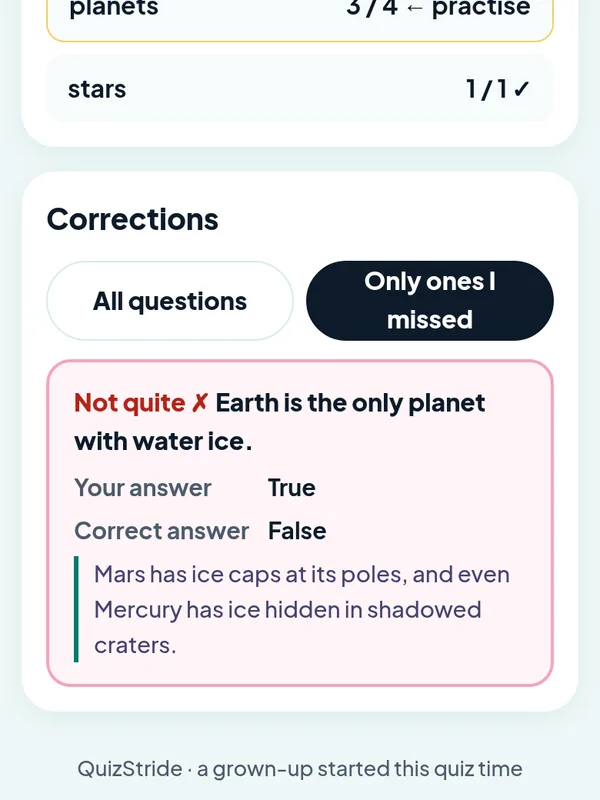
After each quiz, kids see what they missed and a short explanation, so mistakes turn into learning.
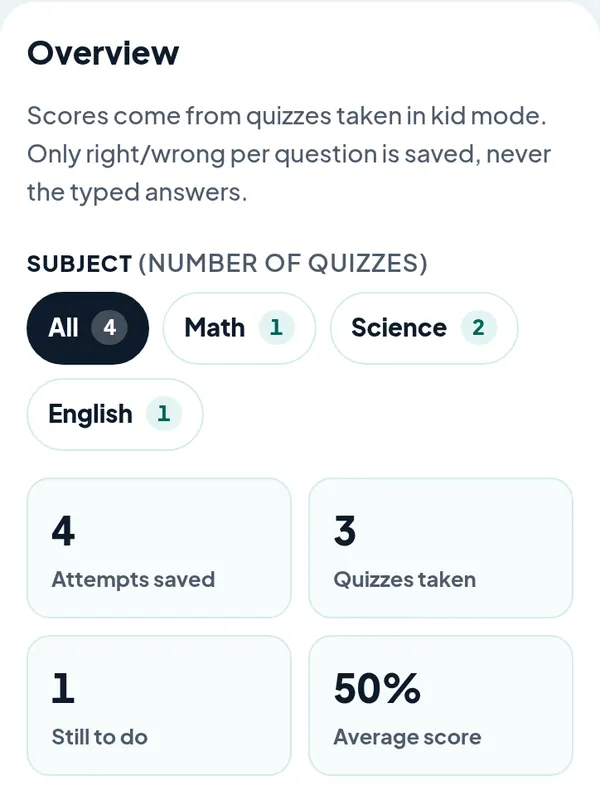
Progress at a glance
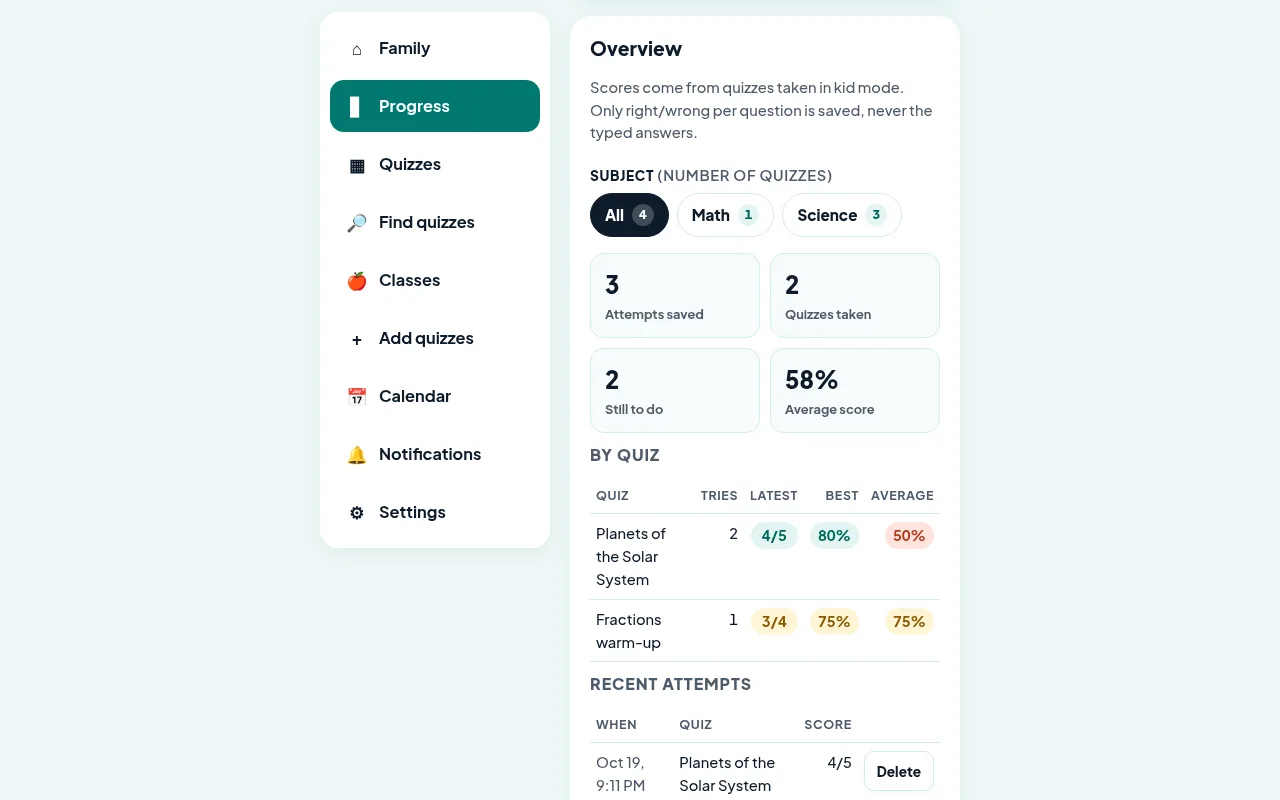
See scores by subject and quiz, what is still to do, and which topics need more practice.
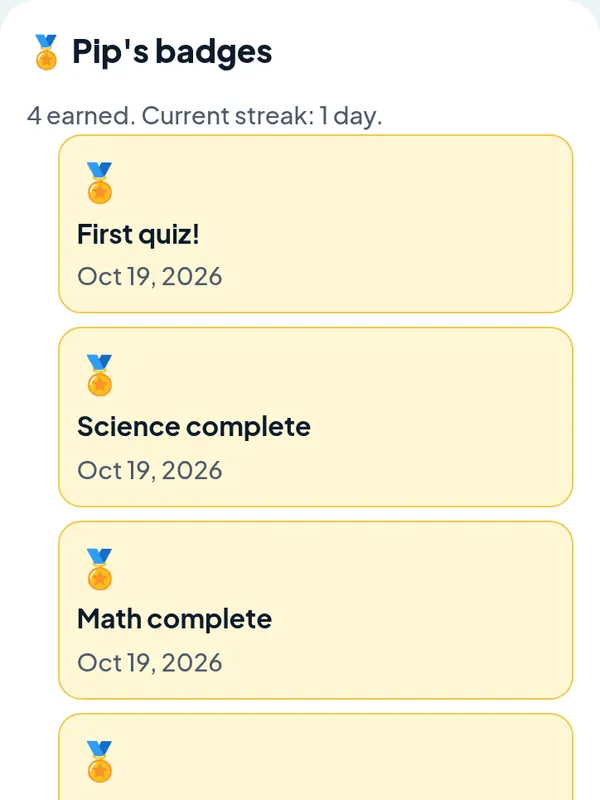
Badges and streaks
Kids earn badges for finishing subjects, keeping a streak and hitting their weekly goal.
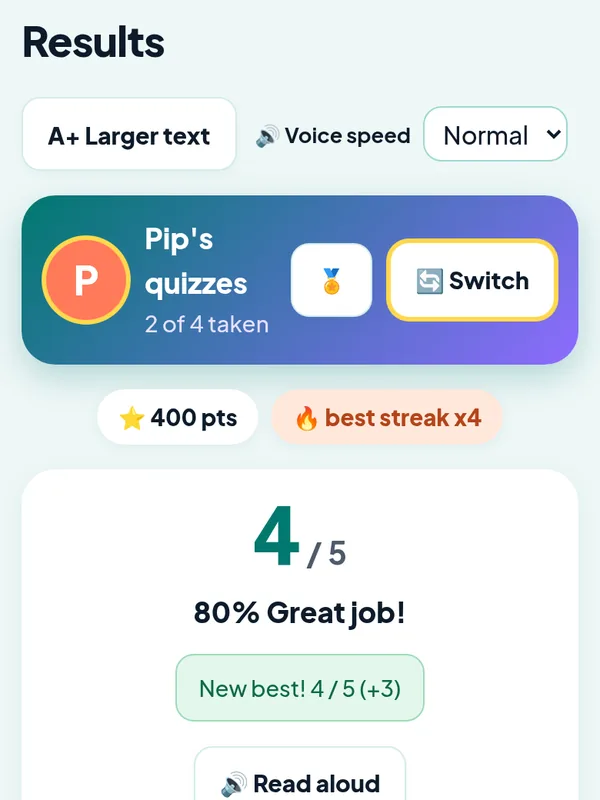
Beat your last score
Every retake shows the last and best score, so kids compete with themselves, never with siblings.
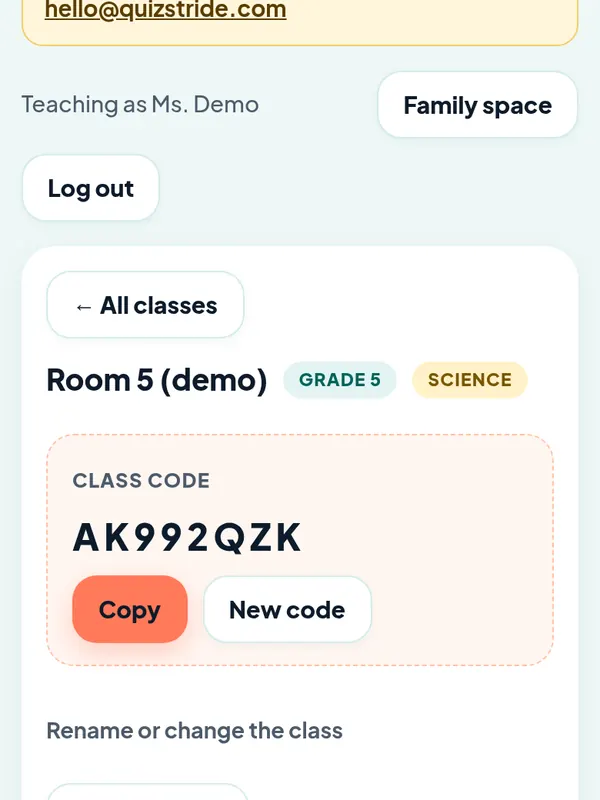
A class view for teachers
Teachers make class quizzes once; families join with a code and see them at home.
Privacy first, by design
QuizStride keeps only what a quiz needs.
- Kids are a nickname only: no real names, photos, school or birthday.
- No ads and no ad trackers. We use privacy-friendly, cookie-free Cloudflare Web Analytics to count page visits.
- We never sell or share data.
- We save right or wrong, never what a child typed.
- Parents can download or delete everything at any time.
For teachers
Turn on a free teacher profile from any account. Create a class, add practice quizzes (or upload a CSV), and share the class code with families. Kids practise at home; you see class totals only if a family chooses to share them.
Questions
Is QuizStride free?
Yes. QuizStride is free during the beta and has no payments or paid listings.
Do my kids need an account or email?
No. Only a parent or guardian signs up. Kids play on your device after you start quiz time.
Where do the quizzes come from?
You can write your own, upload a CSV, or get quizzes from your child's teacher class. Shared community quizzes are coming later.
Who can use it?
Parents and guardians in Canada and the United States, and teachers for their classes.
How do I get help?
Email hello@quizstride.com. A real person reads every message.
Coming later: a community library where parents can share their own quizzes, if they choose.